
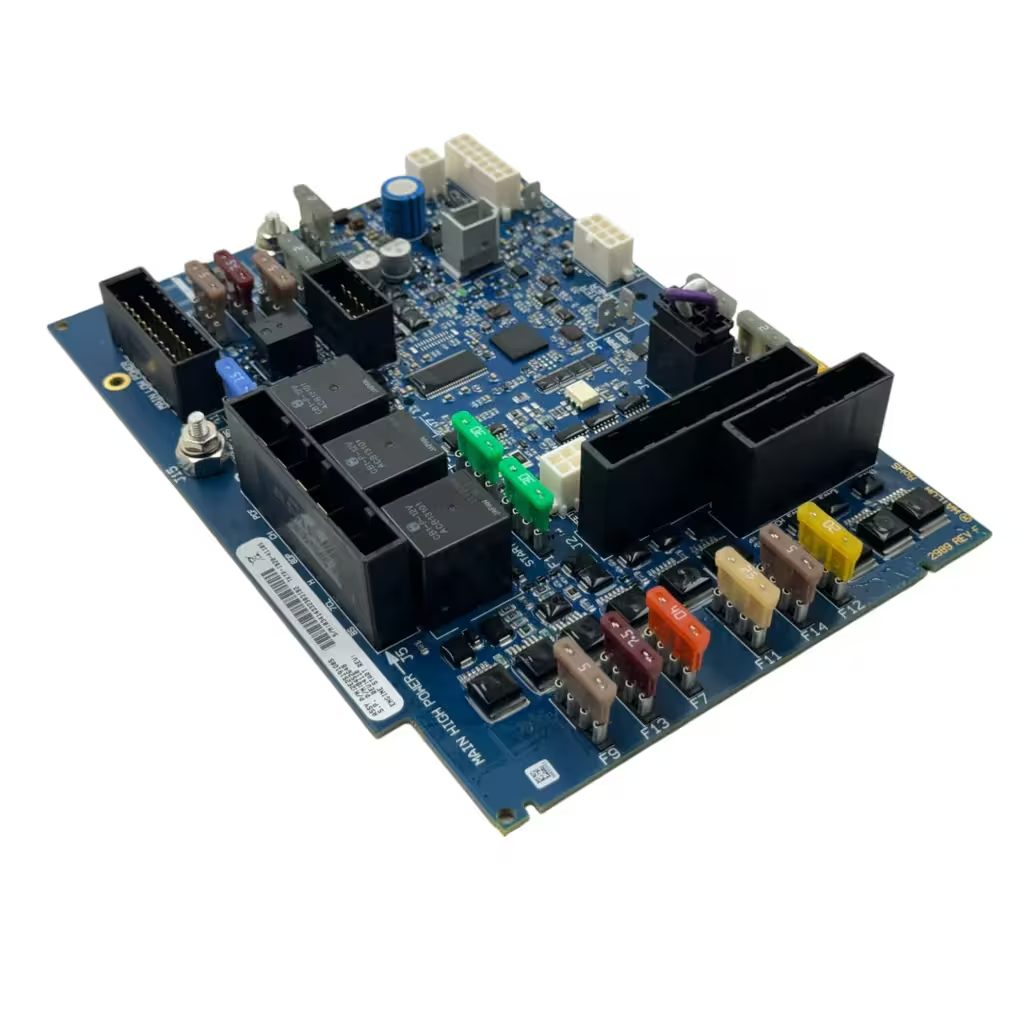
Thermo King TriPac Evolution Repair
Thermo King TriPac Evolution Repair
Don't replace—repair. We are Miami's trusted source for Thermo King TriPac Evolution controller and HMI repairs. We troubleshoot DPF regen signals, blank HMI screens, and voltage regulation faults.
Blank HMI Screen
Code 35 (Check Engine)
Alternator Not Charging
- HMI Screen Replacement
- DPF Signal Troubleshooting
- Live Simulator Testing
Error Codes & What They Mean
The TriPac Evolution reports alarms on the HMI cabin display, but many of the failures we repair never produce a clean code — the HMI goes dark, the APU shuts down quietly, or charging stops with no explanation. These are the patterns we see most, and what they usually mean.
| Code | What It Means | When It’s the Controller |
|---|---|---|
| 35 | Check Run Relay — a shutdown alarm in the engine (ENG) group; the engine will not start. | Rule out the outside causes first: APU engine switch on, voltage present on the run circuit, option plug seated, and on DPF units the DPF switch and any DPF alarm. When all of that checks out and the run relay still does not close, the fault is on the controller board — repairable at component level. |
Symptom Troubleshooting Guide
| Symptom | Likely Causes | How We Repair It |
|---|---|---|
| HMI completely dark and the APU is unresponsive (check this first) | Blown HMI fuse F4 or F2 (2A each) or controller-supply fuse F6 (5A) on the interface board, an open 50A system-power fuse F16 or 200A main-power fuse F29 at the truck battery box, dead truck batteries, or the unit simply switched off at the HMI | Check the interface-board fuses (F4, F2, F6), the 50A F16 and the main battery power before removing anything — a single blown fuse can make the HMI look dead. If power and fuses are good and the screen stays dark, the HMI or the controller is the likely fault and we repair both as a set |
| HMI screen blank or unresponsive | Failed power supply or backlight in the HMI; damaged communication line; dead controller output | We repair both the HMI and the base controller, then test them together on a live simulator |
| APU starts, runs a few seconds, then shuts down | Fuel solenoid drive circuit; false sensor reading at the ECM | Component-level repair of the driver stage and sensor inputs, verified with full start cycles on the bench |
| Alternator not charging the truck batteries | Charging control or sense circuit in the controller; field driver failure | Driver-stage rebuild and a verified charge cycle before the unit ships back |
| Shutdowns with no alarm code at all | Power-supply faults or solder fractures inside the ECM that interrupt operation without logging | Thermal and vibration testing to reproduce the dropout, then rework of the failing section |
Frequently Asked Questions
Do you repair the TriPac Evolution HMI display too, or only the controller?
Both. Blank-screen complaints split roughly evenly between the HMI itself and the base controller, so we ask for both parts and bench-test them as a set before returning them.
My TriPac shuts down without showing any code. What does that mean?
No-code shutdowns usually trace to the controller’s power-supply section or cracked solder joints — the unit loses power before it can log anything. That is one of the most common faults we repair on the Evolution.
Is repairing the controller really cheaper than replacing it?
Typically yes — component-level repair runs well below dealer replacement cost, and every repair ships back bench-tested with a 1-year warranty.
1-Year Warranty
Every Thermo King TriPac Evolution Repair ships back bench-tested and guaranteed fully functional on delivery, backed by a 1-year warranty on the repair we performed.
Start Your Repair Now- $150 Diagnostic — Fully Waived With Approved Repair
- 7–15 Business-Day Standard Turnaround
- Component-Level Repair (Save 60%)
- Miami-Based Facility